TikTok AI Labels: How Creators Should Think About Realistic Synthetic Media
A creator guide to TikTok AI-generated content labels, realistic synthetic media, automatic labels, Content Credentials, and pre-post checks.
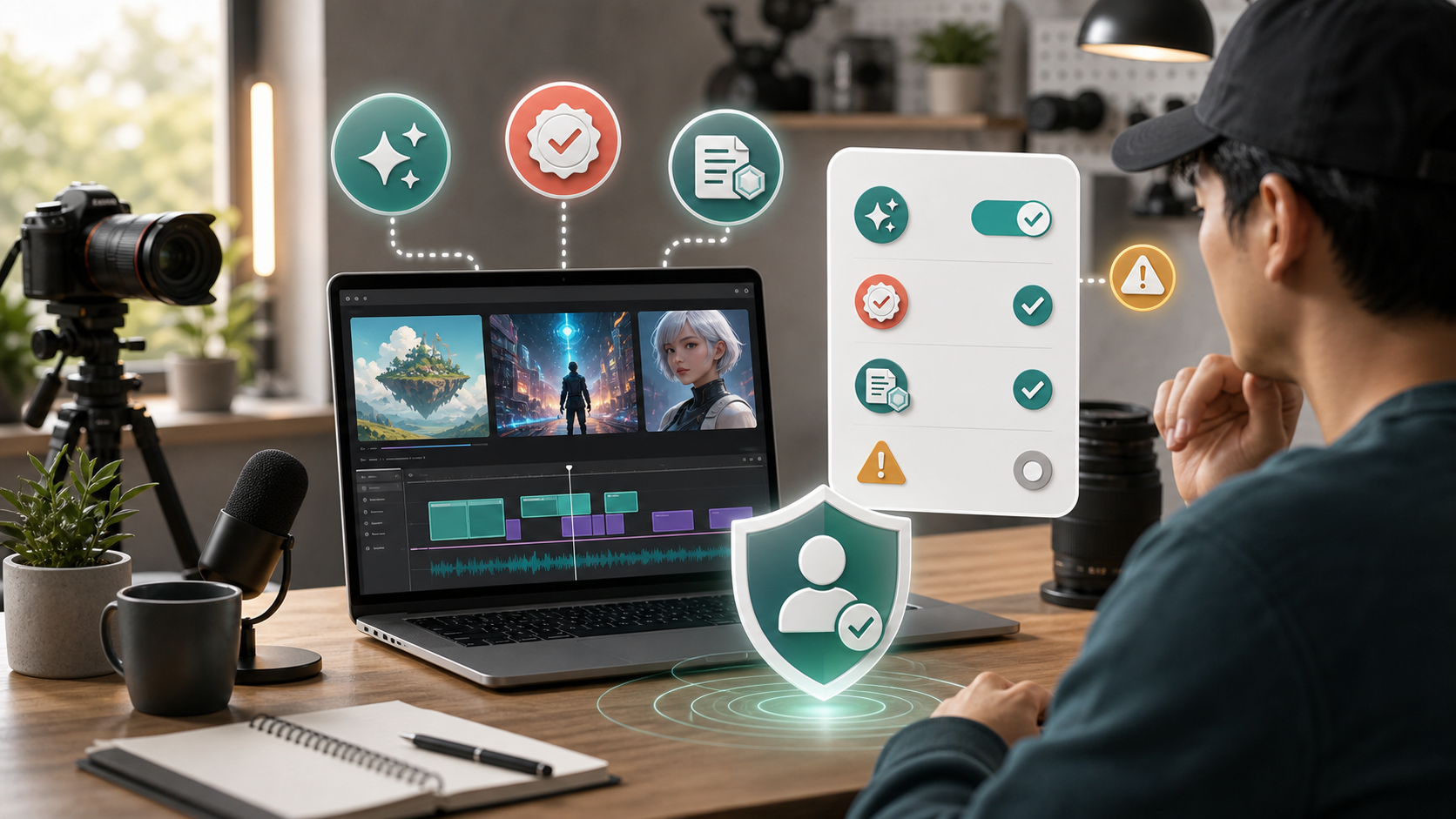
Updated May 18, 2026. AI labels on TikTok are not just a compliance detail at the end of uploading. For creators, the better question is whether a viewer could reasonably mistake the synthetic material for real people, real events, or real evidence.
The Realism Test
TikTok's Help Center says creators should label AI-generated content that contains realistic images, audio, or video. That includes content that is completely generated by AI and content that is significantly edited by AI.
The key word is realistic. If a piece of content could make viewers believe a person said something, appeared somewhere, endorsed something, or experienced an event that did not happen, the label matters. AI that makes a clearly fictional fantasy scene may not carry the same viewer-confusion risk as a realistic fake interview, synthetic news scene, or AI voiceover impersonating a person.
TikTok's Community Guidelines also address edited media and AI-generated content under integrity and authenticity. The policy focuses on realistic-looking scenes or people, misleading edits, impersonation, misinformation, and other harms that can occur whether content was AI-made or edited with older tools.
The simple creator rule is this: if AI changes the viewer's understanding of reality, add the label.
The Upload-Screen Responsibility
TikTok provides an AI-generated content setting creators can turn on before posting. TikTok's support page describes this as the “Creator labeled as AI-generated” label. The platform says turning on the setting does not affect distribution as long as the post does not violate Community Guidelines.
That point is important. Some creators avoid labels because they assume the label automatically suppresses reach. TikTok's own support text says the label itself should not affect distribution if the content is otherwise allowed. Enforcement risk is more likely to come from misleading, harmful, unoriginal, or policy-violating content than from honest disclosure.
The label should be applied before publishing. If you used AI outside TikTok, do not assume the app will know everything you did. If you used an AI effect in TikTok and then independently altered the video with AI somewhere else, TikTok still asks creators to follow the labeling guidance.
Automatic Labels Are A Backstop
TikTok may also apply automatic labels.
TikTok says it can automatically apply an “AI-generated” label to content it identifies as completely generated or significantly edited with AI. This can happen when a creator uses TikTok AI effects or uploads AI-generated content with Content Credentials attached.
Content Credentials are metadata based on C2PA standards. TikTok says it can read those credentials and use them to recognize and label AI-generated content. In 2024, TikTok announced that it would automatically label AI-generated content uploaded from other platforms that support Content Credentials. In later updates, TikTok said it would continue reading C2PA Content Credentials and adding them into AI-generated content made on TikTok.
For creators, the takeaway is practical: do not rely on metadata alone, and do not rely on the absence of a label as proof that disclosure is unnecessary. If the content is realistic and AI-generated or significantly AI-edited, use the creator label yourself.
Disclosure Is Not Permission
A label is context, not permission.
TikTok's Help Center notes that the platform takes action on content that violates Community Guidelines regardless of whether it was altered with AI. That includes policies around impersonation, misinformation, hate speech, and other safety rules.
In other words, labeling a fake endorsement does not automatically make it acceptable. Labeling a synthetic private person does not solve consent problems. Labeling political deception does not remove misinformation risk. Labeling harmful instructions, harassment, or hateful material does not make those posts safe for the platform.
Creators should separate two questions:
- Does this realistic AI content need a label?
- Is this content allowed at all?
The label answers only the first question.
Before Publishing Synthetic Media
Before posting AI-assisted content on TikTok, ask:
- Does the content show a realistic-looking person, place, event, voice, or scene?
- Did AI generate or significantly alter the image, video, or audio?
- Could a viewer reasonably believe it is real?
- Does it show or imply a real person's likeness, voice, endorsement, or action?
- Does it involve a private person or a young person?
- Could it mislead about news, health, public safety, elections, money, or identity?
- Did I use AI outside TikTok after using a TikTok effect?
- Does the file already include Content Credentials?
- Should I add the creator AI label anyway?
- Does the content violate another TikTok policy even if labeled?
If several answers are yes, label it and reconsider whether the post should be published at all.
Formats That Need Extra Caution
Some AI formats deserve extra caution.
AI voiceovers can sound like real people. AI avatars can look like real endorsers. Face swaps can imply that someone appeared in a video. AI-generated “news” clips can look like footage from real events. Product demos can make a product appear to work in a way nobody actually tested. AI medical, financial, or legal explanations can sound more authoritative than they are.
These formats can create trust problems fast. If the content is promotional, do not use AI to fake a real customer, expert, employee, or personal experience. If the content is educational, make sure the facts are sourced and the AI elements are not pretending to be evidence.
For small creators, the safest creative pattern is to use AI as visible styling, illustration, brainstorming, background generation, or non-realistic effects. The riskiest pattern is pretending synthetic people, voices, or events are real.
If The Platform Adds A Label
TikTok's support page says that once content is labeled as AI-generated with an auto label, the creator cannot remove that label from the post.
If a post is auto-labeled and the label is accurate, leave it. If it surprises you, review the editing tools, AI effects, and export path you used. A file created or edited by another tool may carry metadata that triggers automatic labeling.
If the label appears on content that you believe was not AI-generated, review the support options and documentation available in your account. Do not repost repeatedly just to evade a label. That can create a bigger trust and enforcement problem than the original label.
Viewer Reports Are Part Of The System
TikTok also tells users how to report AI-generated content they believe violates the platform's edited media and AI-generated content policy. The support page routes these reports through the misinformation reporting path, including deepfakes, synthetic media, and manipulated media.
Creators should assume viewers will report content that feels deceptive, especially if it involves real people, current events, scams, public safety, or emotional manipulation. A clear label, accurate caption, and responsible framing can reduce confusion, but they cannot rescue content that violates core rules.
The Creator Rule
Use the AI label when realistic AI content could confuse viewers. Keep proof of your workflow when the content is important. Avoid synthetic endorsements and realistic impersonation. Do not count on automatic labels to do your disclosure work. Treat C2PA metadata as a helpful signal, not your whole compliance plan.
Most importantly, remember that transparency is not just about avoiding enforcement. It helps viewers understand what they are watching. That matters more as AI tools make fake scenes cheaper, faster, and more convincing.
FAQ
Does every AI-assisted TikTok need the AI label?
Not necessarily. TikTok focuses on AI-generated content that contains realistic images, audio, or video, especially when it could mislead viewers. Minor edits or clearly non-realistic effects may not carry the same requirement.
Will the AI label automatically hurt distribution?
TikTok's Help Center says turning on the AI-generated content setting will not affect distribution as long as the content does not violate Community Guidelines.
Can TikTok label AI content automatically?
Yes. TikTok says it may automatically apply an AI-generated label when it identifies content as completely generated or significantly edited with AI, including through TikTok AI effects or Content Credentials.
Can I remove an automatic AI-generated label?
TikTok says once content is labeled as AI-generated with an auto label, the creator cannot remove the label from that post.
Does labeling make a deepfake or fake endorsement allowed?
No. TikTok says it takes action on content that violates Community Guidelines regardless of whether it was altered with AI. A label adds context, but it does not make harmful or misleading content acceptable.