Fox Tempest Takedown: Why Signed Software Still Needs a Second Look
Microsoft's Fox Tempest takedown shows why signed software, download ads, and verified-looking installers still need careful checks.
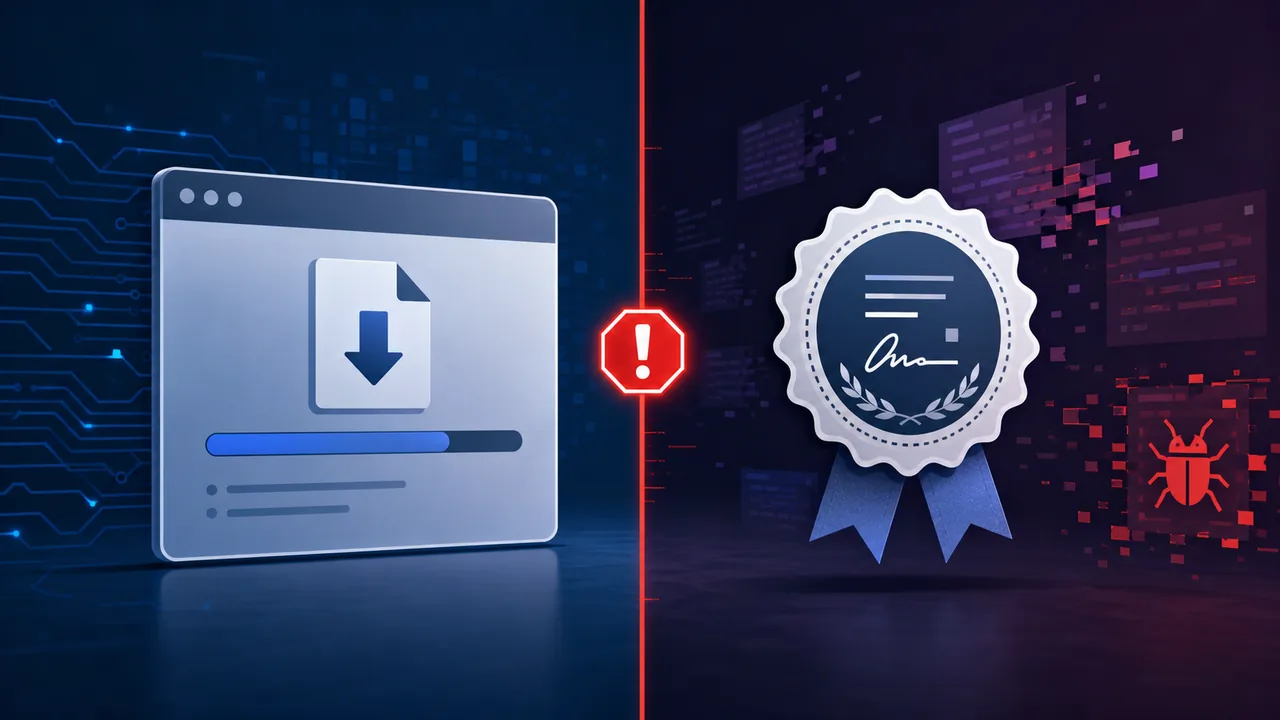
Updated May 21, 2026. Imagine a normal software download moment: you search for a meeting app, a remote-support tool, or a VPN client, click a convincing result, and Windows shows a familiar-looking publisher or verification signal. That small moment of trust is exactly why Microsoft's Fox Tempest case matters.
Microsoft says it disrupted Fox Tempest, a malware-signing-as-a-service operation that helped other cybercriminals make malicious files look more trustworthy. The lesson is not that code signing is worthless. The lesson is that a valid-looking signature is only one signal. The path that brought the installer to you still matters, and attackers know it.
This article is a practical reader-facing explainer. It does not try to turn the takedown into a scare story or a technical incident report. The useful question is simpler: when an installer looks verified, what else should a normal user, creator, or small team notice before running it?
Why Fox Tempest Is Different
Fox Tempest is important because it targeted the trust layer around software, not only the malware payload itself. Microsoft says the operation abused Artifact Signing to produce fraudulent code-signing certificates, and that malware signed through the service was used by ransomware and other criminal groups.
The practical points are clear:
- A signed file can still be malicious if the signing process or identity was abused.
- Search ads, sponsored results, and fake download pages are part of the risk, not side details.
- Publisher names and verification prompts are useful, but they are not enough by themselves.
- Official download paths matter more when the installer is for remote access, meetings, VPNs, finance, crypto, developer tools, or browser extensions.
- Security warnings should be treated as friction worth reading, not as a nuisance to click past.
Microsoft says it seized Fox Tempest's signspace[.]cloud site, took hundreds of virtual machines offline, and blocked access to code used by the operation. Microsoft Threat Intelligence also says it revoked more than one thousand code-signing certificates attributed to Fox Tempest.
The Case: A Trust Signal Became A Service
Code signing normally helps operating systems and security tools answer two questions: who appears to have signed this file, and has the file changed since it was signed? That is valuable. Without it, users and defenders would have fewer ways to distinguish ordinary software from unknown binaries.
Fox Tempest exploited the value of that trust. According to Microsoft, customers could submit malicious files and receive signed binaries back. Microsoft says the operation created more than one thousand certificates and used hundreds of Azure tenants and subscriptions to support the service. Microsoft also says the activity connected to malware families and ransomware operations including Oyster, Lumma Stealer, Vidar, Rhysida, INC, Qilin, Akira, and others.
That makes Fox Tempest different from a single fake app campaign. It was a supporting business that other criminals could use. In a modular cybercrime market, one group can create the phishing page, another can supply malware, another can sell access, and a specialized service can make the file look more legitimate.
For readers, this changes how the story should be understood. The risky moment is not only the final malicious file. It is the whole delivery chain: search result, ad placement, domain name, download page, installer name, signature, warning prompt, and what the app asks to do after launch.
What Code Signing Can And Cannot Tell You
A software signature is closer to an ID badge and tamper seal than a full safety guarantee. It can help verify that a file was signed by a certain certificate and has not been modified since signing. It cannot prove that every user should run the file in every context.
Microsoft's Artifact Signing documentation says the service uses short-lived certificates, renewed daily and valid for only 72 hours, partly to reduce the impact when signing is misused. That design helps limit blast radius, but it does not erase the risk during the period when a signed malicious file is being distributed.
That distinction is easy to miss. Users often read words like verified, trusted, or signed as if they mean safe. In practice, they mean narrower things:
- The file may have a signature chain that a system recognizes.
- The signer identity may have passed a process at some point.
- The file may not have been altered after signing.
- Security products may use the signature as one input among many.
- None of that proves the download page, ad, or installer purpose is honest.
The useful mental model is layered trust. A signature is one layer. The source URL, developer site, browser warning, reputation, version history, user reviews, and behavior after installation are separate layers.
Why Sponsored Downloads Are Part Of The Risk
Microsoft's reporting on Fox Tempest points to malware delivery through purchased ads, malvertising, and SEO poisoning. That matters because many people do not type a vendor URL directly. They search for the app name, skim the first few results, and click what looks fastest.
Attackers understand that habit. A fake page does not need to fool everyone. It only needs to look good enough at the exact moment someone is trying to solve a problem quickly: join a meeting, fix a printer, install a VPN, open a shared file, update a remote-work tool, or recover an account.
This is why a signed installer can still be dangerous. If the installer came from a fake page that ranked well, or from an ad placed above the real result, the signature may reduce suspicion at the next step. The user sees fewer reasons to stop. The system may show fewer warnings. The attacker wins by combining a believable page with a believable file.
A safer habit is to slow down at the transition from search to download. The page that hosts the file deserves as much attention as the file itself. For well-known apps, use the vendor's own site, the official app store, a link from the account dashboard, or a link from documentation you already trust. Be especially careful with remote access tools and meeting apps because they are useful to both legitimate workers and attackers.
A Safer Way To Decide Before Running An Installer
The goal is not to make every download feel impossible. The goal is to add a few seconds of review at the points attackers try to rush.
Before running a downloaded installer, use this small decision path:
- Look at the domain first. A convincing page on the wrong domain is still the wrong page.
- Prefer official vendor pages, operating-system app stores, or links from the product's signed-in account area.
- Treat sponsored search results as unverified until the destination domain checks out.
- Read the publisher name, but do not let a publisher label override a strange URL or unexpected file name.
- Be suspicious if a meeting, document, support chat, or update pushes you to install software immediately.
- Keep browser and operating-system protections enabled, including reputation and malware blocking features.
For small teams, add one shared rule: do not install remote-access, VPN, finance, crypto, or developer tooling from a link sent in a chat thread unless the tool and URL were already approved. That one habit reduces many urgent-download scenarios.
If you are unsure, do not run the installer to see what happens. Search for the vendor's official download page separately, ask your IT contact if you have one, or use a clean device policy where new software has to be approved first.
What Organizations Should Take From The Case
For companies, Fox Tempest is a reminder that trust controls need monitoring, not blind acceptance. A signed binary should not automatically bypass every other signal.
Microsoft's security blog recommends layered defenses such as cloud-delivered protection, browser protections against malicious sites, tamper protection, and attack surface reduction rules for enterprise customers. The broader idea applies beyond Microsoft tooling: keep endpoint protection current, review unusual software installs, and watch for unexpected admin changes or security exclusions.
Security teams should also be careful with allowlists. If a policy allows software only because it is signed, attackers will look for ways to obtain or abuse signing. Better policies combine publisher identity, file reputation, expected install source, device group, user role, and behavior after execution.
There is also a procurement lesson. If an app is important enough to deploy across a team, the official source should be documented. Employees should not have to guess which download page is real while under time pressure.
What This Does Not Mean
This case does not mean every signed file is suspicious, or that code signing has failed as a concept. Code signing still creates accountability, helps detect tampering, and gives defenders a way to revoke or investigate abused certificates.
It also does not mean ordinary users need to inspect certificates manually before every install. Most people will not make good decisions from raw certificate details alone. The better approach is practical: verify the download path, respect warnings, keep protections on, and be cautious when software arrives through an urgent message or ad-driven search result.
The most useful lesson is about confidence. A signature can increase confidence when the rest of the story also makes sense. It should not create confidence by itself.
FAQ
What is Fox Tempest?
Microsoft describes Fox Tempest as a financially motivated threat actor that operated a malware-signing-as-a-service operation used by other cybercriminals to distribute malicious code, including ransomware.
Does a digital signature mean software is safe?
No. A signature can help verify signer identity and file integrity, but it does not prove that the download source is honest or that the software behavior is safe for your device.
Why did attackers want signed malware?
Signed malware can look more legitimate to users and security tools. Microsoft says that made malicious files more likely to be opened, allowed to run, or pass some checks.
Should I avoid all sponsored search results for software downloads?
You do not have to assume every ad is malicious, but software downloads deserve extra care. Check the destination domain, compare it with the official vendor site, and avoid installing from a page that feels rushed, misspelled, or unrelated to the developer.
What should small teams change after this case?
Small teams should define official download sources for critical tools, keep endpoint protections enabled, avoid chat-thread installer links for sensitive software, and require review before installing remote-access or security-impacting apps.
Source Links
- Microsoft On the Issues: Disrupting Fox Tempest
- Microsoft Security Blog: Exposing Fox Tempest
- Microsoft Learn: Artifact Signing certificate management
- Axios: Microsoft disrupts service helping ransomware gangs disguise malware
- CyberScoop: Microsoft disrupts cybercrime service that abused software verification systems