WhatsApp Advanced Chat Privacy: A Field Guide to Export, Media, and AI Limits
A field guide to WhatsApp Advanced Chat Privacy, including export limits, media saving, AI boundaries, group use cases, and what it cannot guarantee.
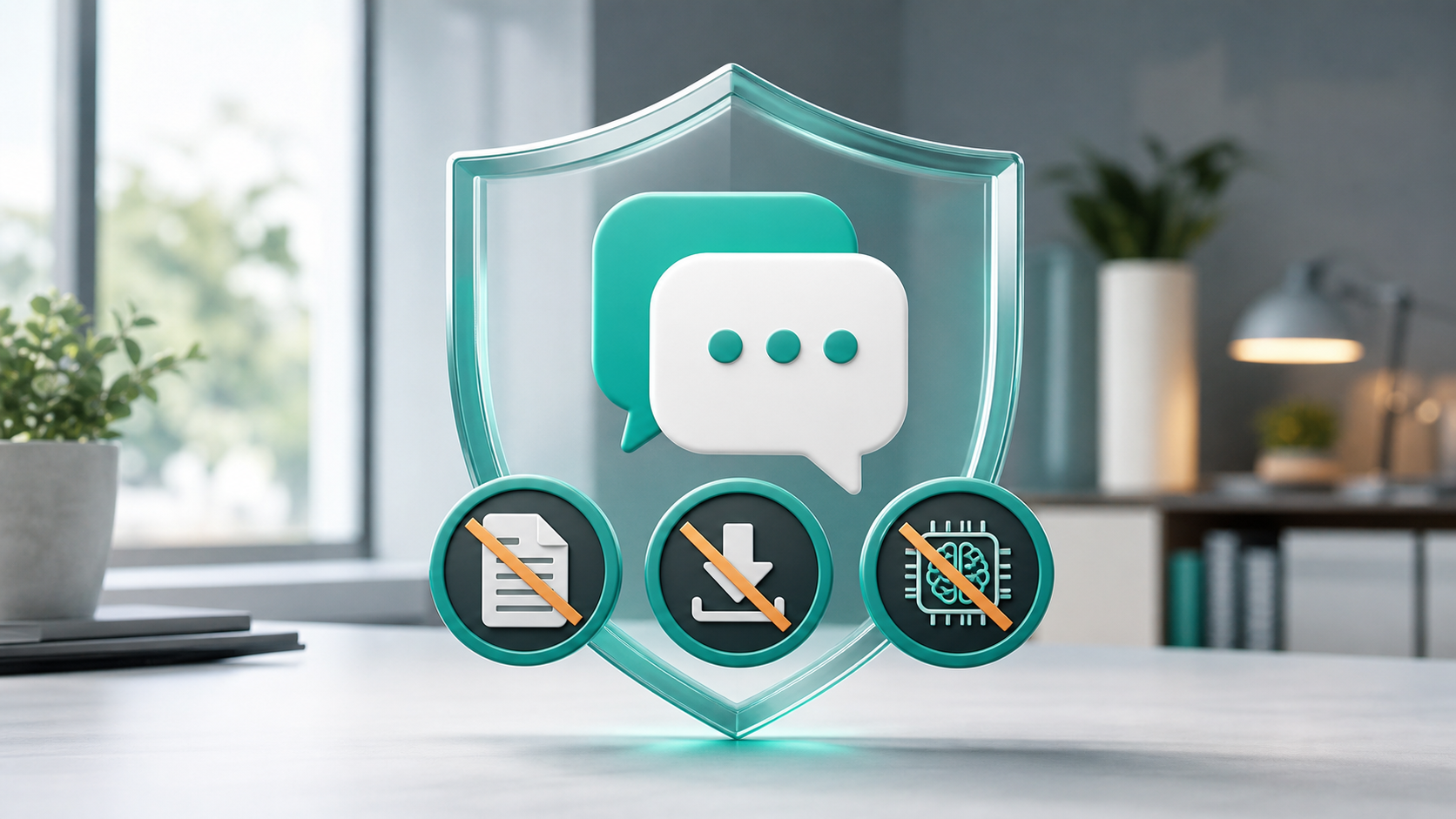
Updated May 18, 2026. Advanced Chat Privacy is best understood as a friction layer around a specific conversation. It can reduce common ways a chat leaves WhatsApp, but it does not turn a group into a leak-proof room or replace trust between participants.
The Three Built-In Exit Paths It Narrows
WhatsApp announced Advanced Chat Privacy in April 2025 as an additional privacy layer for both individual chats and groups. When the setting is turned on, WhatsApp says it can block others from exporting chats, automatically downloading media to their phone, and using messages for AI features.
Those three limits matter because many privacy incidents do not begin with someone breaking encryption. They begin when someone who legitimately has access to a conversation copies it, saves media outside the chat, forwards context into another tool, or keeps a local archive after the group has moved on.
The export limit is the clearest part. If a participant cannot use the built-in export flow, it becomes harder to package an entire conversation into a shareable file. That does not make screenshots impossible, and it does not stop someone from manually copying a short message. It does reduce one common way of moving a large chat history out of WhatsApp.
The media limit is also important. Many users have automatic media downloads turned on without thinking about it. In a sensitive group, that can cause photos or files to land in a phone gallery or local storage where other apps, cloud backups, or people with device access may see them later. Advanced Chat Privacy is designed to reduce that automatic spillover.
The AI limit is the newest part readers should understand. WhatsApp says the setting blocks the use of messages for AI features. In practice, this is about keeping sensitive chat content from being pulled into AI-assisted features inside the conversation. It is a useful boundary for groups that want to avoid accidental AI involvement.
Best-Fit Conversation Types
Turn Advanced Chat Privacy on when the conversation is sensitive enough that reducing export and automatic saving is worth a little friction.
Good candidates include support groups, neighborhood organizing, workplace-adjacent planning, family matters, travel groups sharing documents, school or parent groups discussing private details, and any chat where new members are added over time. The setting is especially relevant when you know the group purpose but do not personally know every participant.
It can also help for short-lived coordination. A group used for a specific event or project may not need long-term media saving or AI features. In that case, limiting exports and automatic media downloads can make the chat feel more like a contained workspace.
For one-to-one chats, the decision is more personal. If both people want a stronger boundary around saving and exporting, enabling the setting can be sensible. If the chat is mostly casual, it may be unnecessary.
Chats That Need Portability
The same controls that protect a sensitive chat can be inconvenient in an archive-heavy chat.
Do not turn it on casually in groups where people rely on export for records, accessibility, migration, legal documentation, family archives, or project handoff. Blocking exports can create problems later if the group expects to preserve a readable copy of the conversation.
It can also frustrate people who use auto-download to keep shared photos from family events, travel, or school activities. A group may be private, but still depend on saving media. In that situation, the group should agree on expectations before enabling the setting.
The feature should also not be treated as a promise that nobody can ever take content out of the chat. A determined participant can still summarize a conversation, photograph another device, copy small portions manually, or describe what was said. Advanced Chat Privacy reduces some built-in extraction paths; it does not remove the basic trust problem that exists in any group conversation.
How It Sits Beside Other Controls
Advanced Chat Privacy is one layer, not the whole privacy model.
End-to-end encryption protects message content in transit and keeps personal messages from being readable by WhatsApp or outside parties who are not in the conversation. Chat Lock helps hide specific chats from someone using your phone. Disappearing messages control how long messages remain visible in the chat. End-to-end encrypted backups extend privacy protections to cloud backups when that setting is enabled.
Advanced Chat Privacy is different because it focuses on what participants can do with the content after they receive it. That is why it belongs in the same decision set as group membership, disappearing messages, media visibility, backup settings, and whether AI features should be part of the chat.
For a sensitive group, the stronger setup is usually a combination:
- Keep membership narrow and remove people who no longer need access.
- Use Advanced Chat Privacy if exports, auto-saving, or AI use are not appropriate.
- Consider disappearing messages if the group does not need a permanent record.
- Review who can add people to groups.
- Avoid sharing documents that would be risky if copied elsewhere.
- Use two-step verification to reduce account takeover risk.
Group Admin Setup Notes
Before turning on Advanced Chat Privacy, use this quick decision checklist.
- Is the chat sensitive enough that export blocking matters?
- Does the group need a long-term archive?
- Do members rely on automatic media downloads?
- Would blocking AI features be useful for this conversation?
- Are all participants aware the setting may affect export and media behavior?
- Is the group membership current?
- Should disappearing messages also be enabled?
- Are admins prepared to explain the change to new members?
For groups, the social part matters. A privacy setting can create confusion if people discover it only when they try to export a chat or save media. A short message explaining the reason for the change can prevent friction.
The Trust Problem Still Remains
Advanced Chat Privacy does not mean every copy risk disappears. It does not stop screenshots in every context, prevent someone from retyping information, or solve the problem of an untrustworthy participant. It also does not replace good account security. If someone loses control of their WhatsApp account or device, chat-level privacy settings are only one part of the defense.
It also does not mean every chat should use the setting. Privacy tools are strongest when they match the purpose of the conversation. A sensitive support group may benefit from strict controls. A family photo group may prefer media saving and shared archives. A project group may need exportable records for accountability.
The best rule is simple: use Advanced Chat Privacy when the chat's sensitivity is higher than its need for portability.
Why The AI Boundary Matters
The AI part of the setting is important because messaging apps are becoming more than messaging apps. AI assistants, search tools, summaries, and in-chat prompts can make conversations more useful, but they also make boundaries harder to understand.
For a casual chat, an AI feature may be harmless or helpful. For a sensitive group, the group may not want any participant to bring the conversation into an AI workflow, even accidentally. Advanced Chat Privacy gives groups a way to set that expectation in the app rather than relying only on etiquette.
Readers should still understand the difference between the app's security model and the behavior of people in the chat. If a participant has access to messages, the safest assumption is that they can remember, paraphrase, or share information outside the app. Advanced Chat Privacy narrows some built-in channels, but trust and membership still matter.
FAQ
Is Advanced Chat Privacy the same as end-to-end encryption?
No. End-to-end encryption protects messages and calls so only the sender and recipient can read or listen to them. Advanced Chat Privacy adds chat-level restrictions on exports, automatic media downloads, and AI feature use.
Does it work in group chats?
Yes. WhatsApp says the setting is available in both individual chats and groups. That is where it may be most useful, because group members may not all know each other closely.
Can it stop screenshots?
Not as a complete guarantee. WhatsApp's announcement focuses on export blocking, automatic media download limits, and AI feature use. Users should not assume it prevents every possible way to copy or describe a conversation.
Should every private chat turn it on?
Not necessarily. Use it when the chat is sensitive and does not need easy exporting or automatic media saving. For family archives, project records, or media-heavy groups, discuss the tradeoff first.
Where do I find the setting?
WhatsApp says users can open a chat, tap the chat name, and choose Advanced Chat Privacy. The feature was announced as rolling out to users on the latest version of WhatsApp.