WebMCP, Explained: What Chrome's Proposed Browser-Agent Standard Means for Your Site
WebMCP would let your site give AI agents labeled tools instead of being scraped. What Chrome's proposal is, how it differs from MCP, and whether to adopt it.
If you run a website, an AI agent may already be trying to use it. Not a person — a browsing agent acting on someone's behalf, sent off to "book the 7pm table" or "reorder the usual." Right now that agent works the way a flustered tourist would: it reads your rendered page, guesses which box is the date field, and clicks where it thinks the button should be. Change your layout and it breaks. Pop a cookie banner in front of it and it stalls. You never agreed to any of this, and you have no say in how it goes.
WebMCP is a proposal to give you a say, and the decision rule up front is short: prototype it today only if agents already try to act on your site and you have a few actions you would rather expose cleanly than have guessed at — otherwise it is fine to wait for the standard to settle. It is a proposed open web standard, currently being built in the browser, that lets your site hand an agent a labeled menu of actions instead of making it reverse-engineer your interface. Google's Chrome team, which is shipping the first implementation, describes it as a way to "expose structured tools like JavaScript functions and HTML forms to browser-based agents." This piece walks through what that actually means for you, where the standard really stands today, and how to decide whether it is worth your time yet.
What a "tool" is here
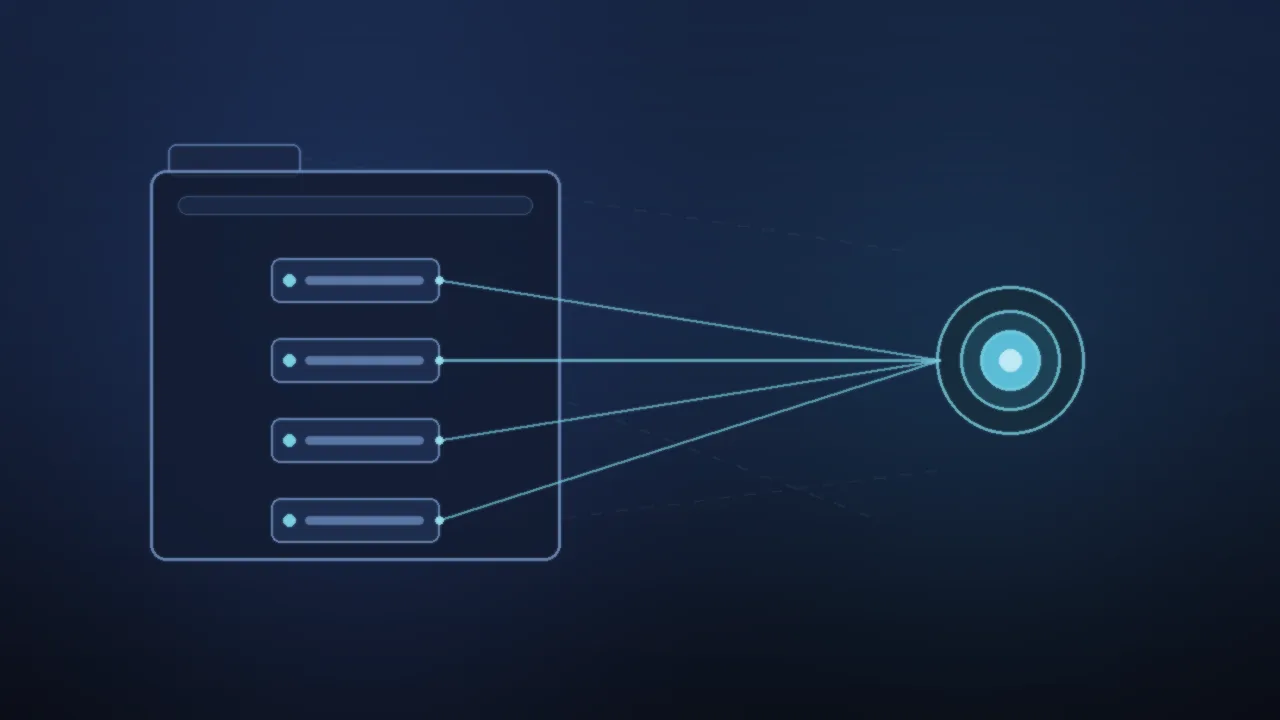
The core idea is small. Instead of letting an agent infer what your page can do, you declare a set of *tools*: named actions, each with a plain-language description and a JSON schema — a machine-readable spec of the inputs it accepts and the data it returns. A booking site might publish a check_availability tool and a book_table tool. A store might publish search_products and add_to_cart. The agent reads the list, sends inputs that match your schema, and gets structured data back, rather than parsing your pixels and hoping.
Chrome's documentation describes two ways to declare a tool. The declarative approach lets you annotate a standard HTML <form> so it becomes a tool — convenient when the form you want an agent to use already exists. The imperative approach uses JavaScript: you register a function as a tool through a new browser API and wire it to whatever logic you want, which suits dynamic flows, custom validation, or calls to your own backend. Defining the expected output matters too; Chrome's docs frame it as a way to "reduce hallucination or misunderstanding," because the agent is handed a contract instead of left to interpret a screen.
That is the whole pitch: fewer guesses, a stable interface the agent can call, and a description you control.
Why this is not the MCP you have read about
If you have been near AI tooling this year, you have seen MCP — the Model Context Protocol — the standard that connects AI assistants to external tools and data. WebMCP borrows the "give the agent tools" idea, and the name nods to it, but it runs somewhere different. We covered the server-side version in our explainer on what MCP actually standardized; the short version is that ordinary MCP connects an agent to a backend server over a protocol called JSON-RPC.
WebMCP keeps everything inside the browser tab. The tools execute in your page's own JavaScript, and — this is the part that changes the security math — they run inside the user's existing logged-in session. Same cookies, same authentication, same permissions that signed-in user already has. There is no separate server to stand up and no fresh set of credentials to provision. The cost of that design is a hard requirement: a browser tab or webview has to be open for the tools to exist at all. Chrome's docs put it plainly — a "browsing context required." There is no headless service answering calls in the background.
| Server MCP | WebMCP | |
|---|---|---|
| Where tools run | A backend MCP server | Your page's JavaScript, in the open tab |
| Transport | JSON-RPC over a connection | In-page browser API calls |
| Auth and session | You provision server credentials | Reuses the user's existing logged-in session |
| Infrastructure | You host and maintain a server | No new server; ships with your front end |
| Needs a browser | No | Yes — a tab or webview must be open |
For a lot of teams, the "no server" line is the appeal. The tools you would write are the same actions your front end already performs; WebMCP is mostly about labeling them so an agent can call them directly.
What it looks like on a real site
Picture the restaurant booking site again. Without WebMCP, an agent asked to reserve a table loads your page, scrapes the DOM (the live structure of the rendered page), picks something that looks like a date picker, and tries its luck. One redesign and every agent built against your old layout is broken.
Ship a check_availability tool and a book_table tool, and the interaction changes shape. The agent calls check_availability with a date and party size, gets a structured answer, then calls book_table. You decide what gets exposed — availability and booking, say, but never the admin panel. And because each tool runs in the user's own session, it can only do what that signed-in user could already do by hand. The agent does not get keys to your site; it gets the few doors you chose to label.
That is the quiet shift worth noticing. WebMCP does not hand agents new power over your application. It narrows a sloppy, brittle interaction down to the handful of actions you decided to publish.
Where WebMCP actually is right now
This is early, and pretending otherwise would set you up to waste a sprint. Chrome shipped a first preview through its early preview program in February 2026. In current builds the feature sits behind an experimental switch; coverage from VentureBeat and others pins it to Chrome 146 and Edge 147, toggled on through chrome://flags.
The newer development is what pushed WebMCP onto more radars. At Google I/O 2026 on May 19, Google put it on the main developer agenda and said an *origin trial* — a time-boxed program that lets you test an experimental browser feature with real users before it ships for everyone — opens in Chrome 149. Google also said Gemini in Chrome will soon support the WebMCP APIs, framing it as part of a broader "agentic web" push that leans on agent tools like Google's own Antigravity, which we compared with the other terminal AI coding CLIs.
The authorship is the most encouraging signal. WebMCP is a draft in the W3C Web Machine Learning Community Group, and the explainer credits engineers from both Google's Chrome team and Microsoft's Edge team — Brandon Walderman, Leo Lee and Andrew Nolan from Microsoft, and David Bokan, Khushal Sagar and Hannah Van Opstal from Google — with the spec draft now driven largely by Dominic Farolino. Two competing browser makers co-authoring the same proposal is the kind of thing that turns a vendor experiment into a real standard.
It is not one yet. The explainer itself notes the draft "has evolved significantly" and still carries an open-questions list. Even the exact API surface is unsettled — the examples register a tool with a registerTool() call, but the object that call hangs off is still moving as the spec changes. Anything you build against it today should be treated as provisional, because it is.
What WebMCP does not do
It helps to be clear about the edges, so you can size the work honestly.
Start with search. WebMCP is not an SEO feature: tools are for agents taking actions, not for visibility, and there is no reason to expect Google Search to treat a registered tool as a ranking signal. If your goal is to be *found*, this is the wrong lever.
Trust is the bigger caveat. Publishing a tool does nothing to make the agent calling it trustworthy — the model still decides when to fire it, and a clearly described tool can still be invoked at the wrong moment. What the spec does provide is a containment model, where the browser rather than your site draws the lines. Tools are restricted to origin-isolated documents, and a Permissions Policy named tools defaults to self, so a cross-origin iframe cannot register tools on your page unless you explicitly allow it. That bounds the blast radius; it stops well short of auditing what the agent actually intends.
Adoption is the last unknown. Whether anyone calls your tools at all depends on browsers and agents you do not control choosing to support WebMCP and to prefer it over scraping, and today that universe is essentially Chrome's preview and whatever connects to it.
What matters at this stage is that the interaction model between sites and agents is being negotiated in the open, by two major browser vendors, while it is still cheap to influence. What can wait is production code. An origin trial behind a flag is not a launch, and the real risk is sinking real engineering time into a moving spec, which mostly buys you rework.
So should you add WebMCP today?
Prototype it now if agents already try to complete tasks on your site — booking, search, checkout — and you have a few high-value actions you would rather expose cleanly than have guessed at. It helps if you can spare time for an API that will change underneath you, because it will.
Hold off if your site is mostly content an agent can already read fine, if you cannot name a concrete action you would actually want an agent to call, or if you cannot commit to maintaining provisional code through months of spec churn. There is no penalty for waiting until the origin trial matures.
Either way, the place to look next is the Chrome 149 origin trial, where you can try WebMCP against real traffic, with Chrome's documentation and the W3C explainer as the two sources to track as the API settles. Agents are going to keep getting pointed at sites like yours. WebMCP is the first real chance to tell them how.
Source links
- Chrome for Developers — WebMCP documentation
- Chrome for Developers — WebMCP is available for early preview (Feb 10, 2026)
- Chrome for Developers — 15 updates from Google I/O 2026: powering the agentic web in Chrome
- Google Developers Blog — All the news from the Google I/O 2026 developer keynote
- W3C Web Machine Learning Community Group — WebMCP explainer
- VentureBeat — Google Chrome ships WebMCP in early preview