VS Code now runs Autopilot by default: what your agent can do without asking, and how to rein it in
VS Code 1.124 turned Copilot Autopilot on by default - the agent edits files and runs commands without asking. What changed, and how to rein it in.
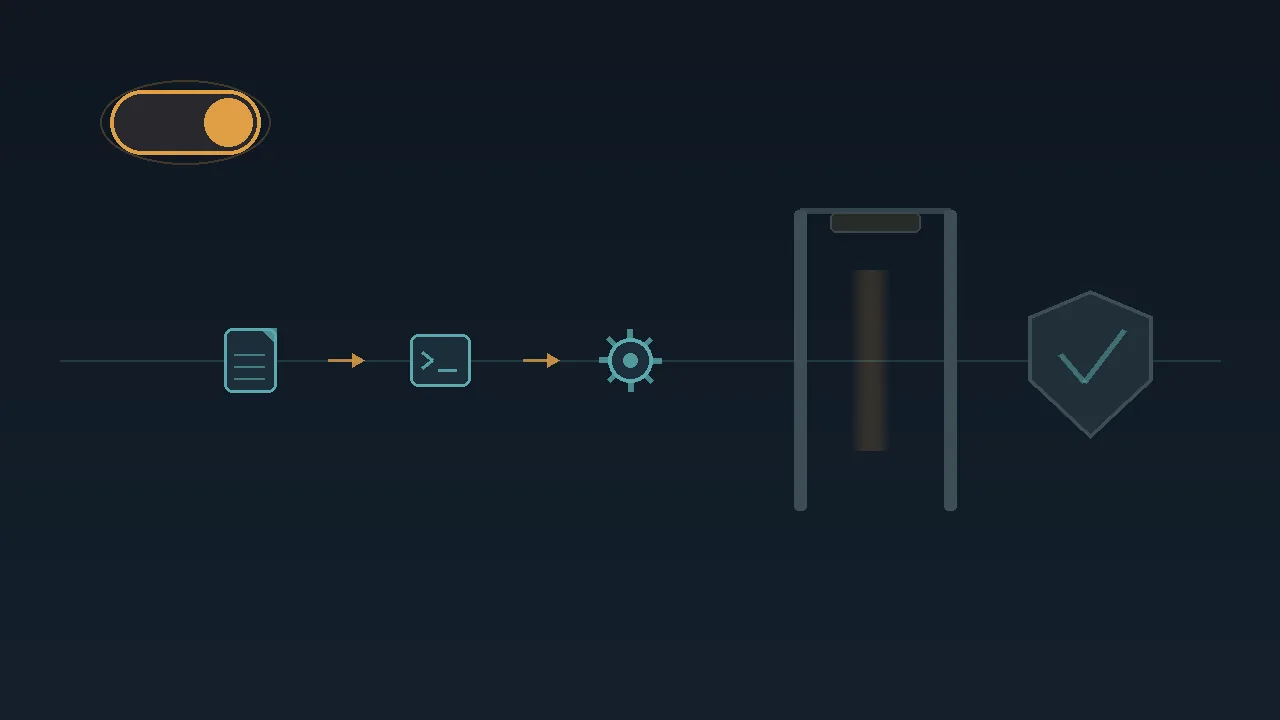
You update VS Code, open the Copilot chat you have used for months, and ask it to fix a failing test. This time it does not wait for you. It edits a file, runs a terminal command, answers a tool prompt, and keeps going — no per-action approval, no pause to confirm. That is not a bug, and you did not misconfigure anything. In version 1.124, released June 10, VS Code turned a feature called Autopilot on by default, and Autopilot's entire purpose is to let the agent act without asking you to approve each step. You are still in charge of how far that goes, and the decision rule that matters comes down to two settings — so before you switch anything off, here is what actually changed and why.
What "Autopilot" actually means
Autopilot is not a new product or a different model. It is a permission level for the Copilot chat agent — in Microsoft's words, a setting that "allows agents to take initiative and act autonomously, without needing explicit user approval for each action."
In 1.124 that level is the default for new agent chats, which is why the behavior changed without you touching anything. In practice, with Autopilot on, the agent will write files, run terminal commands, call tools, and automatically answer the confirmation prompts those tools raise, all without stopping at each step. The rhythm you may remember from agent mode — approve, approve, approve — is the friction Microsoft removed. The new default is that the agent acts and you review the result afterward. That is a genuinely useful change for a lot of work, and it is also a different deal than the one you agreed to the last time you read the permission dialog, which is why it is worth a minute of your attention.
Why the default flipped
The change is part of a broader push to make agent sessions run with less hand-holding. Alongside the new default, 1.124 added Advanced Autopilot, controlled by the chat.autopilot.advanced.enabled setting. Rather than following a fixed set of rules about when a task is finished, it hands the "are we finished?" call to a lightweight helper model that reads how the conversation has gone and judges whether your request is satisfied; to keep that bounded, the agent loops at most three times before it stops. The same release lets you launch agent requests in the background from the Agents window — press Alt+Enter, or hold Alt and select Send, and the view resets while keeping your selected model and context, so you can queue several tasks and let them run.
Add it all up and the bet is hard to miss: VS Code is wagering that you would rather supervise outcomes than authorize keystrokes. For a lot of day-to-day coding, that bet is reasonable. The same trade-off is showing up across the ecosystem — even a model-agnostic terminal agent like OpenCode leaves how much it can do on its own up to you — so the skill worth building is deciding that on purpose rather than inheriting a default.
The risk worth understanding
The point is not that Autopilot is dangerous; it is that "act without asking" should be a choice you make per project, not a default you discover when something surprising happens. Picture a developer working in a repository that holds a deploy script, a database migration, and live cloud credentials in the environment. "Runs terminal commands without confirming" reads very differently there than it does in a scratch folder. The agent is almost always trying to help, but it is acting on your machine, with your permissions, and it will auto-answer tool prompts you might have wanted to read.
That caution matters more the more an agent can do on your behalf without a pause. If you have followed how agent frameworks that run code and call tools have expanded what "the agent did it" can mean, the instinct to keep a confirmation step in high-stakes repos is a sound one. None of this requires turning Autopilot off everywhere. It requires deciding where you want it.
How to put the guardrails back
The controls are settings, not a hidden menu. Two of them are yours to set and one belongs to your organization, and they do different jobs:
chat.permissions.defaultsets the permission level for new chats — the per-user lever for everything you start from now on. For a chat you already have open you don't have to start over: VS Code lets you change the current permission level at any time right in the chat input box. Set either one below Autopilot, to a level that prompts you, and the agent goes back to asking before it acts.chat.tools.global.autoApproveis the organization-level control over whether Autopilot is available to use at all. On a managed setup it sits with your administrator rather than in your personal profile.chat.autopilot.advanced.enabledis a separate lever, and it is about *when the agent decides it is finished*, not whether it asks permission. With it on, a model judges when the task is done; turn it off and that call falls back to fixed rules.
A sensible middle path is to leave Autopilot on for throwaway scripts, scratch repos, and sandboxes where a wrong command costs you nothing, and to require approval in any repository that can touch production, real credentials, or anything destructive. You do not have to pick one mode for your whole life as a developer.
What to actually do
If a wrong terminal command in the project open in front of you would cost real time or money, open your settings, set chat.permissions.default to a level that asks first, and opt into Autopilot per task when you want the speed. If you are in a sandbox, leave it on and enjoy the missing clicks. The one move not worth making is the passive one: letting a default you never chose run commands on a machine that matters, and finding out the boundaries the hard way. Decide where the agent gets to act on its own — that is the whole of it.