How to check your dev machine for a poisoned package with Bumblebee
Bumblebee is a free, read-only scanner that checks your machine — npm, PyPI, MCP configs, extensions — for known-bad packages, without executing anything. Here's how to run it.
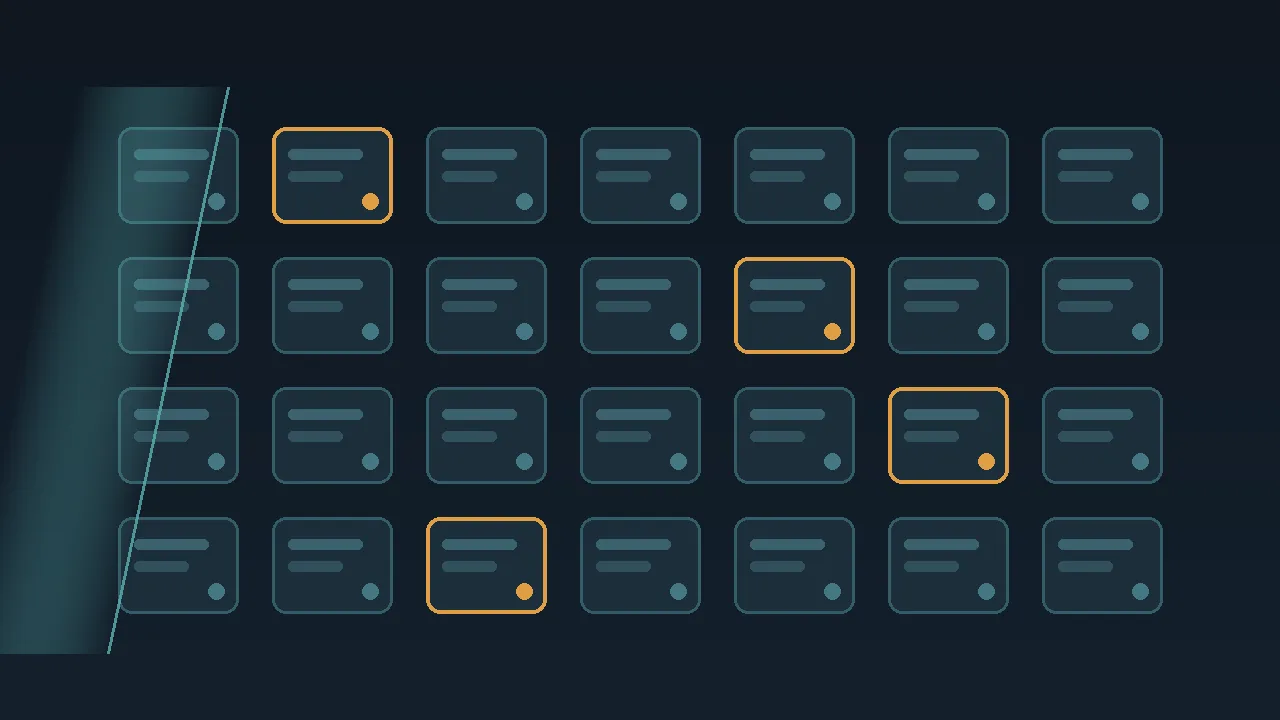
An advisory lands in your feed: a popular npm package shipped a booby-trapped version, it harvests credentials the moment it installs, and attached is a list of the compromised versions. Right now you need to answer one question the advisory cannot answer for you — is any of that on your machine? That turns out to be harder to do safely than it sounds, because the obvious first move — reaching for your package manager to list what is installed — is itself riskier than it looks.
This is the exact situation Bumblebee is built for. Perplexity open-sourced the small utility as an incident-response tool: a read-only way to inventory what is on a developer machine and check it against a list of known-bad components — exactly what you want after a compromise like the npm worm that harvested credentials straight out of build pipelines. It runs on macOS and Linux, is written in Go with no third-party dependencies, and ships under the Apache 2.0 license. Here is what it does, why its read-only design is the whole point, and how to run it.
Why "just list what's installed" is the wrong move
A lockfile is the file your package manager writes to pin the exact versions a project uses — package-lock.json for npm, go.sum for Go, composer.lock for PHP, and so on. A postinstall script is code a package can run automatically the moment it is installed, and it is a favorite hiding spot for supply-chain malware: the payload fires during installation, before you have run anything yourself.
That is why the safest way to take stock is to touch as little as possible. The dangerous code runs at install and update time, so the inventory you actually want is one that reads what is already sitting on disk without asking any package manager to resolve, fetch, or run a thing. That is exactly the line Bumblebee draws.
Its rule, in the project's own words, is to never execute anything. It reads the lockfiles, package-manager install metadata, and extension manifests directly off disk; it does not call npm, pip, go, or bun; it does not trigger postinstall hooks; and it does not even read your source files. When it parses configuration that contains secrets — more on that next — it deliberately does not emit those values. Pointing Bumblebee at a possibly-compromised machine cannot make the situation worse, because producing its inventory never runs the package manager, or anything else.
What it actually looks at
The scanner walks the on-disk evidence across most of the ecosystems a working developer touches: npm and its relatives (pnpm, Yarn, Bun), Python packages, Go modules, RubyGems, PHP's Composer, and Homebrew. It also inventories the parts of your setup that a dependency-only scanner skips — editor extensions for VS Code, Cursor, Windsurf, and VSCodium, and browser extensions for Chromium and Firefox.
The newer surface is the interesting one. Bumblebee reads MCP configuration files, such as claude_desktop_config.json and mcp.json. An MCP config is the local JSON that tells an AI tool — say, Claude Desktop or Cursor — which external services its agent is allowed to connect to (here is what the Model Context Protocol actually is, if it is new to you). Those files frequently hold environment variables and access keys — the same key-concentration problem that made a recent AI-gateway takeover so damaging — which is precisely why a scanner that can enumerate them matters. Because of those secrets, it is worth repeating that Bumblebee records that an MCP server is configured without copying out the values inside.
Running it: four steps
You need Go 1.25 or newer installed; everything else is one command.
- Install it. Run
go install github.com/perplexityai/bumblebee/cmd/bumblebee@latest(or pin a release with@v0.1.1). On a machine you already suspect, install from a clean toolchain. - Preview what it will touch.
bumblebee roots --profile baselineprints the directories the scan would read, so there are no surprises before you run it. - Take an inventory.
bumblebee scan --profile baseline > inventory.ndjsonwrites the results as NDJSON — newline-delimited JSON, one record per line, easy to grep or pipe into another tool. Match the profile to the job:baselinecovers your global package roots, language toolchains, editor and browser extensions, and MCP configs;projecttargets working directories like~/codeor~/src; anddeeptakes explicit--rootpaths, including something as broad as your whole home folder, for an active incident. - Match against an advisory. Inventory alone tells you what is there. To turn that into "am I exposed," pass an exposure catalog — a JSON list of bad
(ecosystem, name, version)entries — with--exposure-catalog. Bumblebee then flags exact matches as findings, each with a severity, and ends every run with a summary record so you know the scan finished cleanly. Perplexity ships sample threat-intelligence catalogs in the repo'sthreat_intel/directory.
What it is not
Set your expectations correctly, because the gaps are by design and a couple of them matter. Bumblebee is a one-shot scanner: each run takes a single snapshot and exits, so continuous monitoring is your scheduler's job, not the tool's. It does no remediation — it will tell you a compromised version is sitting in a lockfile, but removing or upgrading it is on you. And its matching is exact: without a catalog of bad versions it is an inventory tool, not a verdict. That makes it an incident-response and exposure-checking instrument, not an antivirus that quietly watches in the background.
Picture the realistic case. A morning advisory names three compromised versions of a build dependency you are pretty sure you use somewhere. Instead of opening each repository and running install commands that might trip the payload, you point Bumblebee at your home directory with the deep profile, pass the catalog, and get back a list of exactly which projects pin a flagged version — and which turned up no match — in one read-only pass, without opening any of them. That is the difference between a clear answer and an afternoon of nervous manual grepping.
The takeaway is simple to act on: if you write code on a Mac or Linux machine, install Bumblebee now, before you need it. Then, when the next advisory names specific compromised versions, you can check your whole machine in one command and read the answer off structured output, without running any of the package code yourself. Bumblebee fixes nothing for you; what it gives you is a fast, honest inventory at the moment you most need one, and that read-only restraint is what makes it safe to reach for in the middle of a scare.