iOS 27 Takes Away the Liquid Glass Opt-Out: Do You Have to Redesign Your App?
iOS 27 disables the UIDesignRequiresCompatibility opt-out: build against Xcode 27 and your app adopts Liquid Glass. What to do, and by when.
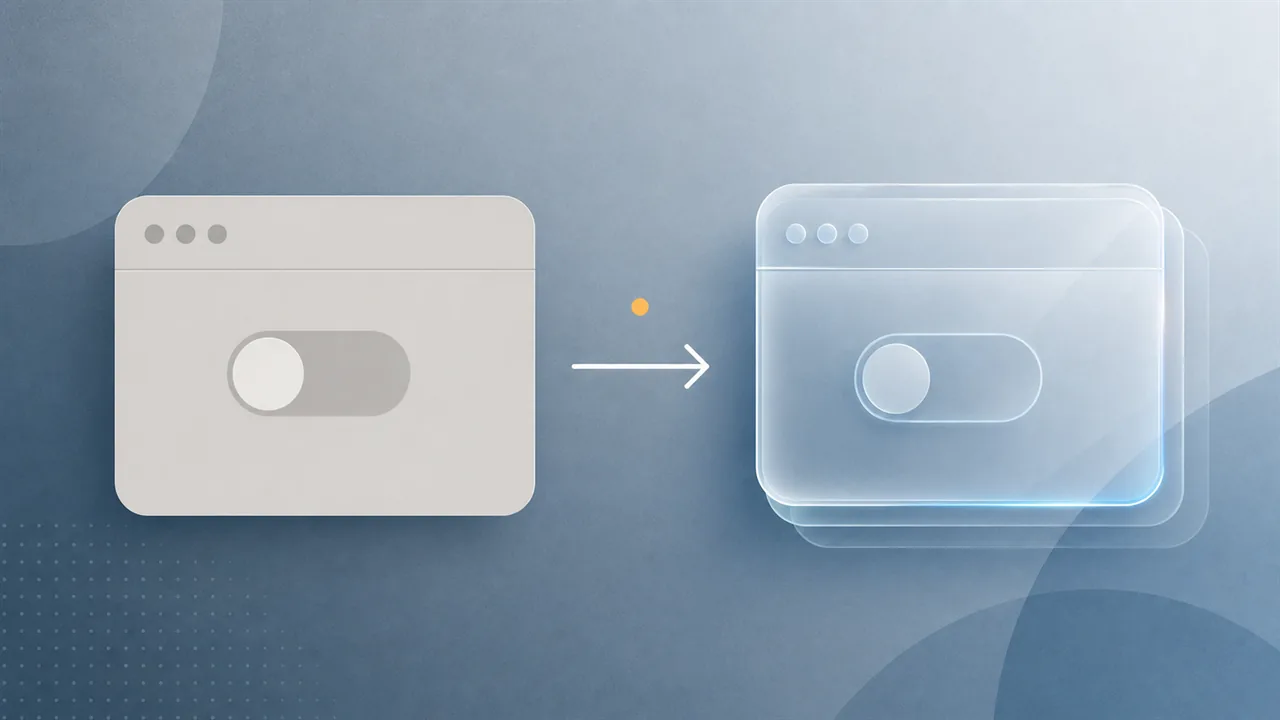
If you set one Info.plist key last year to keep your app looking the way it always had, this is the WWDC announcement aimed squarely at you. When Apple shipped its system-wide Liquid Glass redesign in iOS 26 — the translucent, refractive look that reshaped bars, buttons, tab bars, and sheets — it handed nervous teams an escape hatch: add UIDesignRequiresCompatibility to your Info.plist, set it to YES, and your app would keep rendering in the old, pre–Liquid Glass style. Apple was always clear that the flag was a stay of execution, not a setting. At WWDC 2026 it named the execution date. The short answer: if you ship an update built against the iOS 27 SDK, you are adopting Liquid Glass whether you redesigned for it or not, because that compatibility flag stops working the moment you build with Xcode 27.
This piece is for the developer or small team trying to figure out what they actually have to do, and by when. The whole decision hinges on one distinction, so that is the place to start.
The one distinction that decides everything: building against the SDK
"Liquid Glass" is Apple's name for the visual design language introduced at WWDC 2025; it changes how standard UIKit and SwiftUI controls draw themselves, so an app using stock components inherits the new look without touching its own drawing code. The Info.plist is the small settings file inside every app bundle, and UIDesignRequiresCompatibility was the app-wide key that told iOS 26 to fall back to the legacy appearance. The phrase that matters most, though, is "building against the SDK." When you compile your app, you link it against a specific version of Apple's software development kit — the iOS 26 SDK in Xcode 26, the iOS 27 SDK in Xcode 27. Apple has long used the SDK you build against as the trigger for opt-in behavior changes: an app keeps its old behavior until the day its developer rebuilds against the newer SDK, at which point the new defaults switch on.
That mechanism is the good news hiding inside an otherwise blunt announcement. Apps already on the App Store are not affected the day iOS 27 ships: an app you built with Xcode 26 keeps honoring UIDesignRequiresCompatibility for the users who have it. What changes is that the next time you open the project in Xcode 27 and build an update against the iOS 27 SDK, the flag is ignored and your app adopts Liquid Glass automatically. So the real question is less "is Liquid Glass mandatory" and more "when do I next need to ship a build against the new SDK," and for most actively maintained apps the honest answer is within a few months of iOS 27's release.
What changed at WWDC 2026, concretely
A few specifics from this year's announcements shape the decision. The compatibility flag is disabled when you build with Xcode 27, so recompiling against the iOS 27 SDK opts every app into Liquid Glass with no code change and no remaining way to defer in-app. That lands with iOS 27, which Apple's fall timeline puts in front of users around September 2026 — and the App Store will start pushing you toward the new SDK on the usual cadence, especially once submissions require it, as they do every cycle. Xcode 27 itself raises the stakes further: the same release that quietly turned Apple's Foundation Models framework into a provider-agnostic AI layer is Apple silicon-only, about 30% smaller on disk, and it replaces the old Simulator workflow with a new Device Hub. If your build machine is an Intel Mac, "just rebuild against the new SDK" quietly includes "on different hardware," and that belongs in the same plan.
The team this lands on hardest
Picture who this hits first: three people who shipped an iOS 26 update last autumn, set UIDesignRequiresCompatibility to YES to buy a release cycle, and told themselves they would do the redesign "next quarter." Next quarter is now. The flag bought them exactly one SDK generation, which is what Apple said it would do. Their app will keep working for existing users on the old build, but the first bug-fix release they cut against iOS 27 ships with Liquid Glass turned on across every bar and sheet — and if they did not budget design time, that release is when their layout problems become their users' problems.
So what do you actually do?
The decision comes down to how soon you must ship against the iOS 27 SDK, and it splits cleanly:
- You ship regular updates and want to stay current. Treat Liquid Glass as required work for your next significant release, not optional polish. Adopt it deliberately on your schedule — audit the screens where translucency hurts contrast or where custom controls fight the system material — rather than discovering it in a rushed hotfix you were forced to build against the new SDK.
- You genuinely cannot redesign yet. Your only remaining lever is to keep building against the iOS 26 SDK and not adopt Xcode 27 for release builds. Understand what that is: a freeze, not a fix. You can hold the old look only as long as you also hold off on the new SDK, the new APIs, and eventually App Store submission requirements — so it buys time, not a permanent reprieve.
- Your app already uses mostly standard components. You may be closer to done than you fear. Stock SwiftUI and UIKit controls adopt Liquid Glass for you; the work is concentrated in custom-drawn UI, heavy use of opacity, and screens where the new translucent chrome reduces legibility. Build once against the iOS 27 SDK early in a beta, run and verify your real screens, and let the actual breakage size the job rather than the announcement headline.
Apple has signaled this since it first called the flag temporary: stop treating UIDesignRequiresCompatibility as a place to live. It was a moving van, and iOS 27 is the day the lease ends. Open your project against the iOS 27 SDK during the beta, see what Liquid Glass does to your real screens, and schedule the redesign as planned work now, while the timeline is still yours.
Source links
- Apple Developer — UIDesignRequiresCompatibility (Information Property List)
- AppleInsider — Liquid Glass will be mandatory in iOS 27 (March 2026 reporting; confirmed at WWDC 2026)
- iPhoneSoft — Xcode 27: Device Hub, SwiftUI, the news for Apple developers (WWDC 2026)
- MacRumors — Apple outlines major AI and developer-tool updates at the 2026 Platforms State of the Union