Encrypted RCS Between iPhone and Android: How To Read The Lock Icon
A plain-English guide to encrypted RCS chats between iPhone and Android, including lock icons, beta limits, and safer messaging habits.
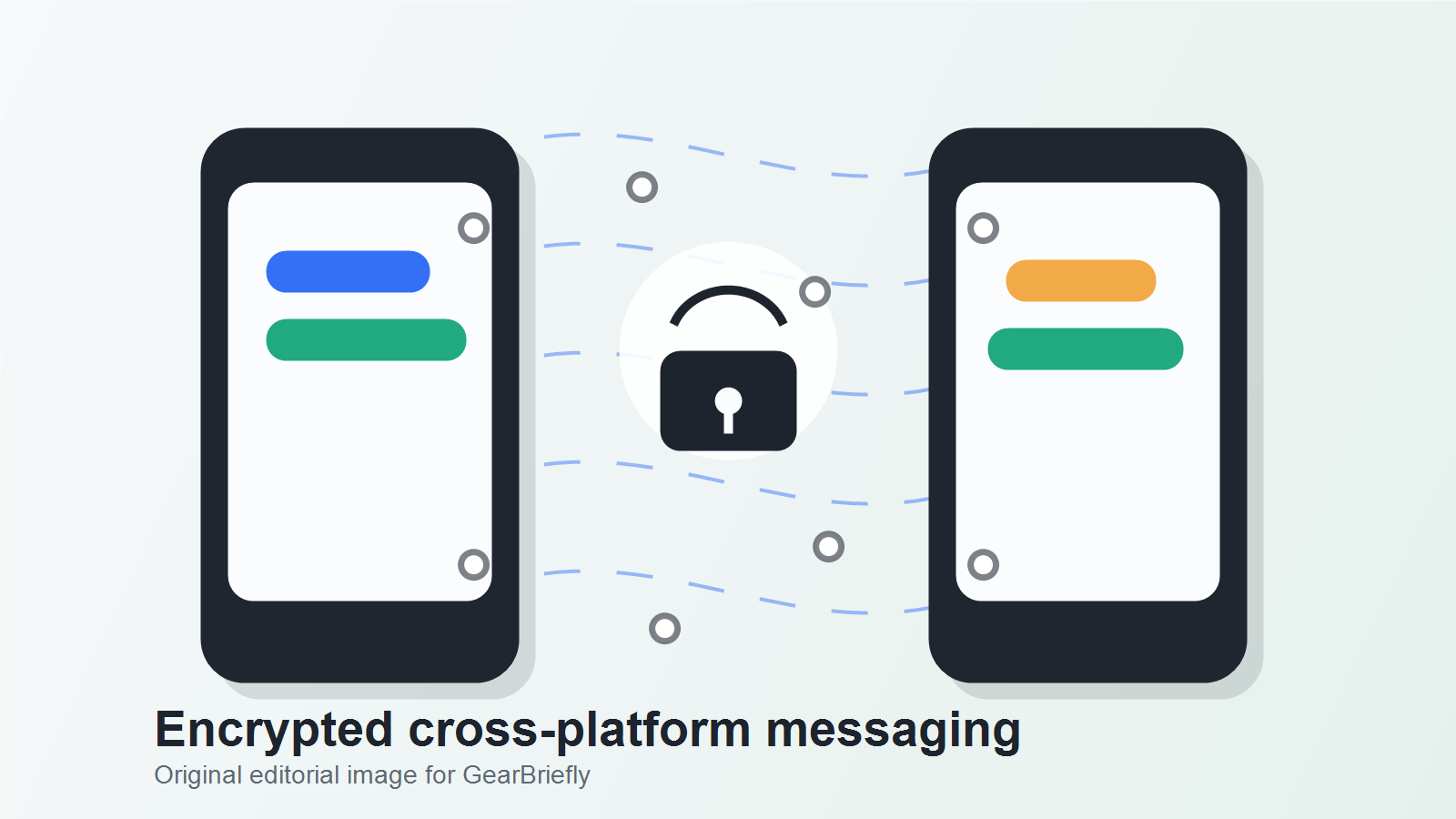
Apple and Google have started rolling out end-to-end encrypted RCS messaging between iPhone and Android users, but the feature is still in beta and depends on software, carrier support, and Google Messages availability.
For readers, the practical takeaway is simple: cross-platform texting is becoming more private, but it is not safe to assume every iPhone-to-Android conversation is encrypted yet. The lock icon matters.
The Compatibility Shift
On May 11, 2026, Apple and Google announced that end-to-end encrypted RCS messaging had begun rolling out in beta. The feature is intended for iPhone users running iOS 26.5 with supported carriers and Android users on the latest version of Google Messages.
RCS is the messaging standard that replaces older SMS and MMS texting with richer features such as higher-quality media, read receipts, typing indicators, and better group chats. The missing piece for many cross-platform conversations has been consistent end-to-end encryption.
This update does not turn every text message into a secure chat overnight. It begins a rollout for supported combinations of devices, software, carriers, and messaging apps.
Why The Lock Icon Matters
SMS was not designed for modern private messaging. Messages can pass through network systems in ways that do not offer the same privacy expectations as encrypted chat apps. End-to-end encryption is different because the message content is protected while it travels between devices.
For mixed iPhone and Android households, friend groups, small teams, and families, the change reduces one of the long-running privacy gaps in default texting. It also makes security easier for normal users because the feature is designed to turn on automatically when the conversation supports it.
The important phrase is "when the conversation supports it." If one side has old software, an unsupported carrier, a different messaging app, or a fallback to SMS, the conversation may not be encrypted.
How To Read The Chat State
Users should look for the lock icon in the RCS conversation. Apple says iPhone users will see a new lock icon in RCS chats when the conversation is end-to-end encrypted. Google says Google Messages users will see the same lock icon previously used in encrypted RCS chats.
If the lock icon is not present, do not treat the conversation as end-to-end encrypted.
For iPhone users, check:
- iOS is updated to iOS 26.5 or later.
- RCS Messaging is enabled in Messages settings.
- The carrier supports end-to-end encrypted RCS messaging.
- The conversation shows the lock icon.
For Android users, check:
- Google Messages is updated.
- RCS chats are enabled.
- The conversation with the iPhone user shows the lock icon.
- The chat has not fallen back to SMS or MMS.
The Beta Label Is A Boundary
The beta label matters because rollout issues are still possible. Some users may see encryption before others. Some carriers may support it earlier than others. Some group chats or edge cases may behave differently while clients and networks update.
That does not make the update unimportant. It means users should verify each conversation instead of assuming all cross-platform RCS chats are protected.
The Problems Encryption Does Not Touch
End-to-end encryption protects message content in transit, but it does not solve every privacy problem.
It does not protect a message after someone screenshots it, forwards it, copies it, or shows it to someone else. It does not protect a phone that is already unlocked or compromised. It also does not make suspicious links safe.
This is why online safety still depends on habits:
- Confirm sensitive requests through another channel.
- Avoid tapping unexpected links, even inside encrypted chats.
- Be careful with verification codes.
- Use strong account recovery settings.
- Keep phones and messaging apps updated.
Encryption is a strong layer. It is not a substitute for judgment.
A Better Verification Habit
If you use iPhone and often message Android users, update to iOS 26.5 or later and check whether your carrier lists end-to-end encrypted RCS messaging support. If you use Android, update Google Messages and confirm RCS is active.
Then test a conversation with someone on the other platform. If the lock icon appears, that conversation is end-to-end encrypted. If not, wait for software, app, or carrier support to catch up and avoid sending sensitive information there.
For sensitive conversations, a dedicated encrypted messaging app may still be the more predictable choice until cross-platform RCS encryption is widely available and stable.
The Reader Mistake To Avoid
The biggest mistake is treating RCS as a single privacy setting that applies to every message thread. In practice, the protection depends on the actual conversation state. A chat can be RCS-capable without every participant, carrier path, app version, or device state supporting the same protection at the same time. That is why the visible lock indicator matters more than the marketing name of the messaging standard.
There is also a social risk. Once users hear that iPhone and Android chats can be encrypted, they may start sharing account recovery details, travel documents, workplace files, or family information with less caution. Encryption in transit is important, but it does not decide who is holding the phone, whether screenshots are taken, whether backups are exposed, or whether the person on the other end is the intended recipient. The safer habit is to check the state of the conversation before sensitive exchanges and to move truly high-risk information through a channel designed for that purpose.
For families and small teams, the most useful rule is simple: do not debate whether the platform is safe in the abstract. Look at the specific thread, confirm what the app says, and keep sensitive one-time codes out of routine group chats.
FAQ
Is every iPhone-to-Android text encrypted now?
No. The rollout is in beta and requires supported software, carrier support, and the right messaging app setup.
How do I know if RCS encryption is active?
Look for the lock icon in the conversation. If the lock icon is not present, do not assume the chat is end-to-end encrypted.
Does encryption stop scams?
No. Encryption protects message content while it travels between devices. It does not make unknown links, fake requests, or social engineering safe.
Sources
- Google Android announcement: https://blog.google/products-and-platforms/platforms/android/android-ios-end-to-end-encrypted-rcs-messaging/
- Apple Newsroom announcement: https://www.apple.com/newsroom/2026/05/end-to-end-encrypted-rcs-messaging-begins-rolling-out-today-in-beta/
- Apple carrier support list: https://support.apple.com/en-us/109526