ChatGPT Advanced Account Security: Passkeys, Recovery Keys, and the Lockout Tradeoff
A practical decision guide for ChatGPT Advanced Account Security, covering passkeys, recovery keys, account risk, and lockout preparation.
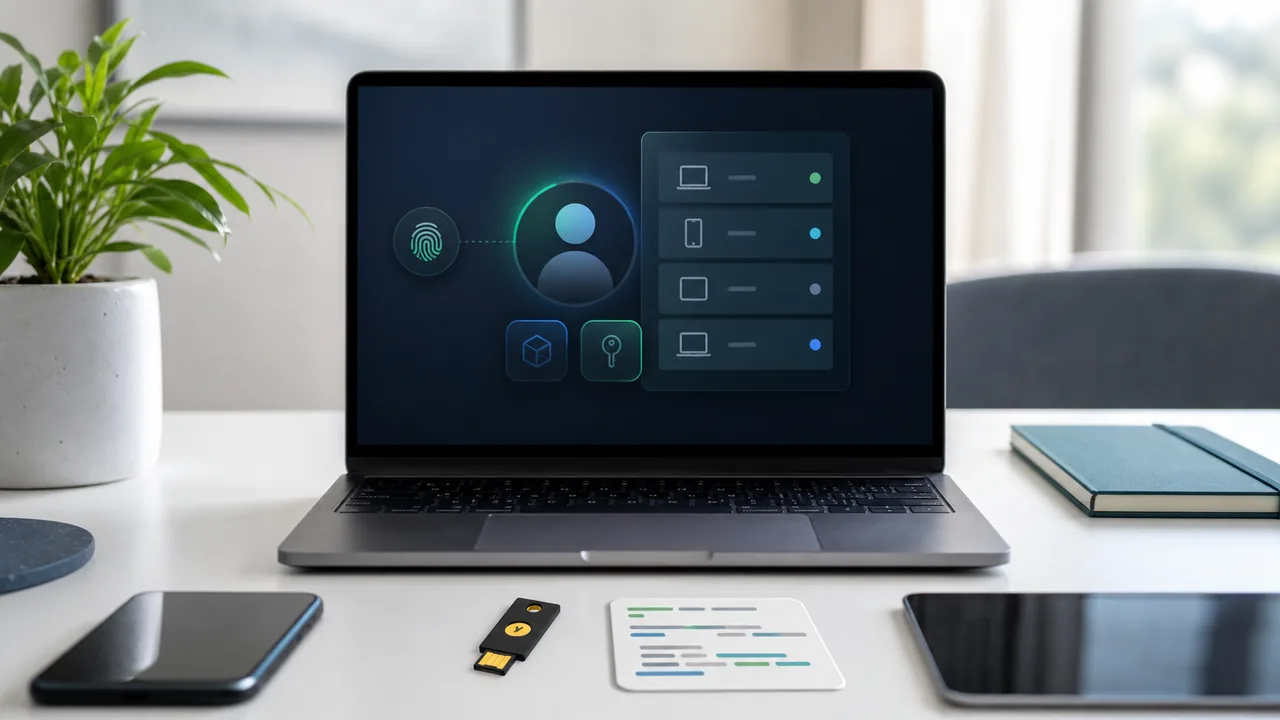
Updated May 19, 2026. Stronger account security sounds like an easy yes until the recovery path becomes stricter too. OpenAI's Advanced Account Security is meant for accounts where compromise would be costly, especially when ChatGPT contains work context, files, custom GPTs, private notes, or access patterns that reveal more than casual chat history.
The real risk has two sides. One side is account takeover. The other is locking yourself out because the recovery key, passkey access, or trusted device plan was never handled carefully. For a small team, that second risk is not theoretical; the person who set up the account may be on leave, the laptop may be replaced, or the only recovery copy may sit in the same place as the device that was lost.
Why This Is Not Just Another Security Toggle
OpenAI describes Advanced Account Security as a stricter protection mode using passkeys, a recovery key, and tighter account recovery. That makes it different from a reminder to choose a better password. It changes how the account proves identity and how recovery works when normal access fails.
That matters most when the account has become part of a workflow. A creator may have unpublished scripts, audience research, or sponsor notes in chats. A consultant may have client summaries. A founder may have product plans. A student may have study records and personal documents. The account is not a bank account, but it may still hold material that would be uncomfortable or harmful in the wrong hands.
Who Has A Strong Case For Turning It On
The strongest candidates are people whose ChatGPT account has become important enough that takeover would create real damage. That includes people using it for business planning, client work, research notes, internal drafts, custom GPTs, uploaded files, or recurring workflows tied to paid access.
There is also a visibility issue. A compromised account can reveal more than prompt text. It can show how a person works, what they are preparing, which documents they uploaded, and which questions they repeat. For some readers, that pattern is more sensitive than a single message.
If the account is mostly casual, the decision can wait until the recovery plan is ready. Stronger security works best when the owner can handle the stricter recovery path without guessing later.
The Lockout Side Of Stronger Recovery
The common mistake is to treat a recovery key as a screenshot or a note to deal with later. If Advanced Account Security makes recovery stricter, losing that recovery path can turn a security upgrade into an access problem.
Before enrollment, answer a few boring questions:
- Where will the recovery key be stored?
- Can it be reached if the main laptop or phone is lost?
- Who, if anyone, is allowed to help recover a work account?
- Are passkeys available on more than one trusted device?
- Does the account contain anything that needs to be exported or documented first?
Those questions are not glamorous, but they prevent the most predictable failure: enabling a stricter mode before the user has a durable way back in.
Prepare The Recovery Path First
For an individual account, store the recovery key somewhere separate from the device used every day. A password manager, printed secure copy, or other protected backup may be appropriate depending on the person's setup. The important part is separation. A recovery key saved only on the same laptop does not help much if that laptop is gone.
For a small team, do not put a shared operational account entirely inside one employee's personal recovery setup. Decide who owns the account, who can approve recovery, and how access changes when someone leaves. If the account contains client material, treat the recovery plan as part of client data handling, not a personal preference.
In practice, the setup should happen when there is time to think, not during a suspected compromise. That means checking passkey availability, confirming recovery storage, and documenting account ownership before the stricter mode is enabled.
Threats Outside The Login Screen
Advanced Account Security helps with login and recovery risk, but it stops there. It won't catch sensitive data pasted into the wrong chat, and it has nothing to say about browser extensions, malware, shared devices, or screenshots. None of it replaces a company's own rules about confidential files.
The better move is to pair account security with data boundaries. Decide what should never go into the account, what can be uploaded only under a work plan, and which chats need to be deleted or exported under internal policy. Stronger login protection is a layer, not a full governance program.
A Plain Decision Rule
Turn it on when the account is valuable enough to protect and the recovery plan is already written down. Wait when the account owner is unsure where the recovery key will live, uses only one device, or depends on a shared workflow that has no ownership plan.
That is not a reason to ignore the feature. It is a reason to do the setup in the right order: inventory the account, secure recovery, confirm passkeys, then enroll.